Health & risk assessments
Review configuration, capacity, maintenance, security, and recovery arrangements. Prioritize findings by business impact and the effort needed to address them.

SQL Server administration
Your applications depend on SQL Server being available, responsive, and recoverable. We help assess the environment, resolve operational problems, and establish practices your team can understand and maintain.
Where we can help
Start with a focused improvement or connect several capabilities into a larger solution. The scope follows your priorities.
Review configuration, capacity, maintenance, security, and recovery arrangements. Prioritize findings by business impact and the effort needed to address them.
Design backup schedules and retention around agreed recovery objectives. Validate restore sequences, dependencies, access, and elapsed recovery time through rehearsals.
Diagnose slow queries, blocking, deadlocks, memory pressure, storage latency, and tempdb contention using workload evidence and execution history.
Evaluate replication, failover, and recovery options against your SQL Server edition, infrastructure, budget, and acceptable interruption or data loss.
Review service identities, least-privilege access, encryption, auditing, and privileged operations. Align controls with your organization's requirements.
Plan version changes, server moves, and cloud transitions with dependency checks, compatibility testing, cutover rehearsals, and a recovery strategy.
Establish useful baselines, actionable alerts, and growth forecasts for storage and workload demand. Make ownership and escalation paths explicit.
Automate appropriate integrity checks, statistics maintenance, job monitoring, and housekeeping. Provide runbooks that help your team respond consistently.
An example workflow
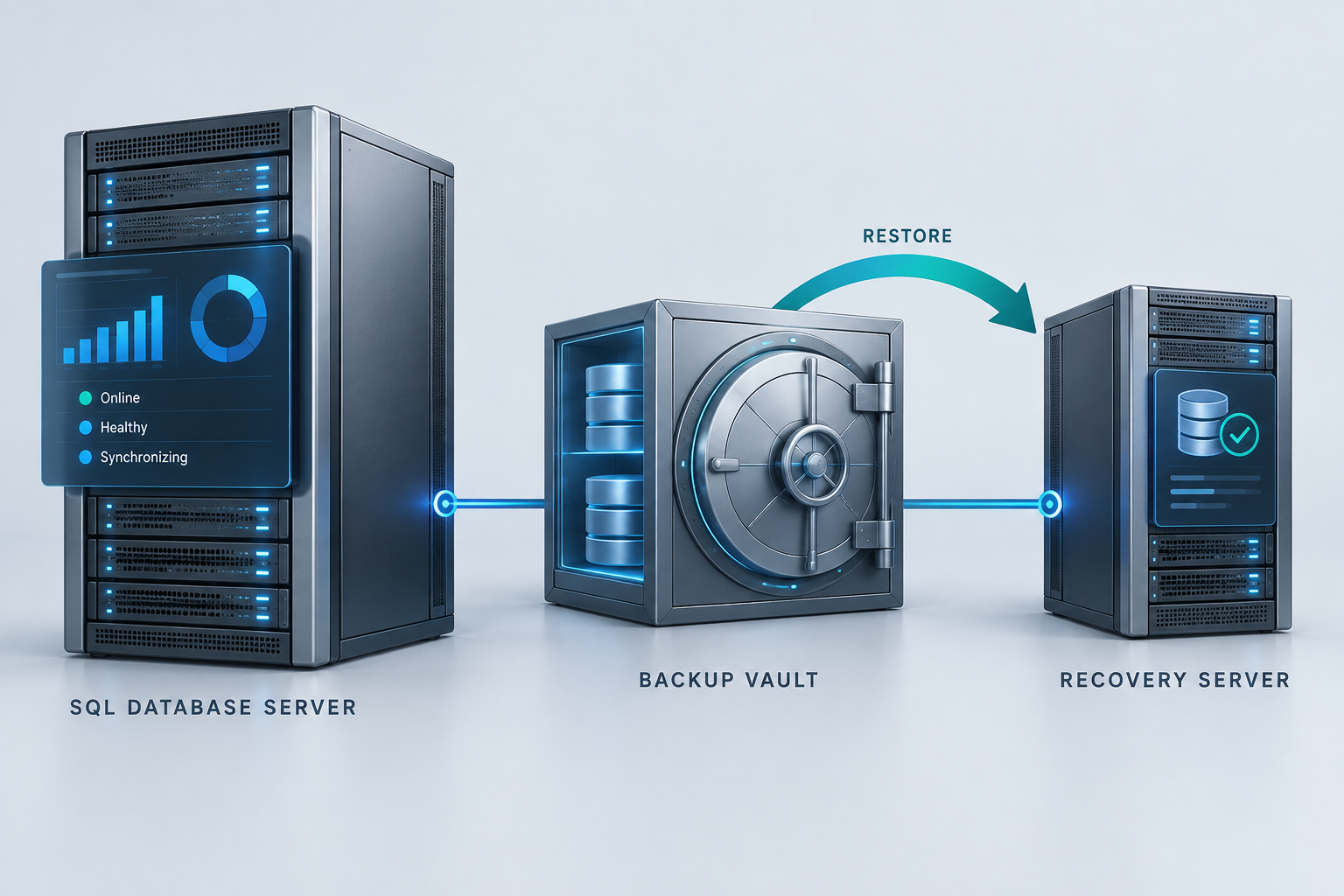
A backup job marked successful is one piece of the picture. A recovery engagement can demonstrate that the required files, permissions, dependencies, and application checks work together within an agreed target.
Agree how much data loss and interruption the business can tolerate.
Recover into an isolated environment using documented procedures.
Check data and application behavior, record timings, and close gaps.
Built with care
Prioritized findings, implemented and verified improvements, restore evidence where scoped, monitoring recommendations, and usable operational runbooks.
Recovery point and recovery time objectives guide the design. The right approach depends on data volume, dependencies, licensing, and operating constraints.
Use change windows, representative testing, and measured baselines. Capture evidence before changing configuration or applying a performance fix.
Define who receives alerts, who can act, how incidents escalate, and what ongoing support covers. Those responsibilities are part of the engagement scope.
Explore the work
Interactive browser samples with fictional data illustrate workflows and problem-solving approaches. Production platforms and integrations are scoped for your project.
A useful starting point
Bring your SQL Server versions and editions, environment topology, pain points, backup approach, and business expectations for availability and recovery.
Discuss sql server administration ↗Opens a draft in your email application.