Specialized operational tools
Build quoting, estimating, scheduling, production, and case-management applications around business rules that generic software cannot express comfortably.
Windows application development
Some jobs need close integration with the desktop, local files, specialist equipment, or established Windows workflows. We create and modernize applications that make those tasks more consistent and easier to operate.
Where we can help
Start with a focused improvement or connect several capabilities into a larger solution. The scope follows your priorities.
Build quoting, estimating, scheduling, production, and case-management applications around business rules that generic software cannot express comfortably.
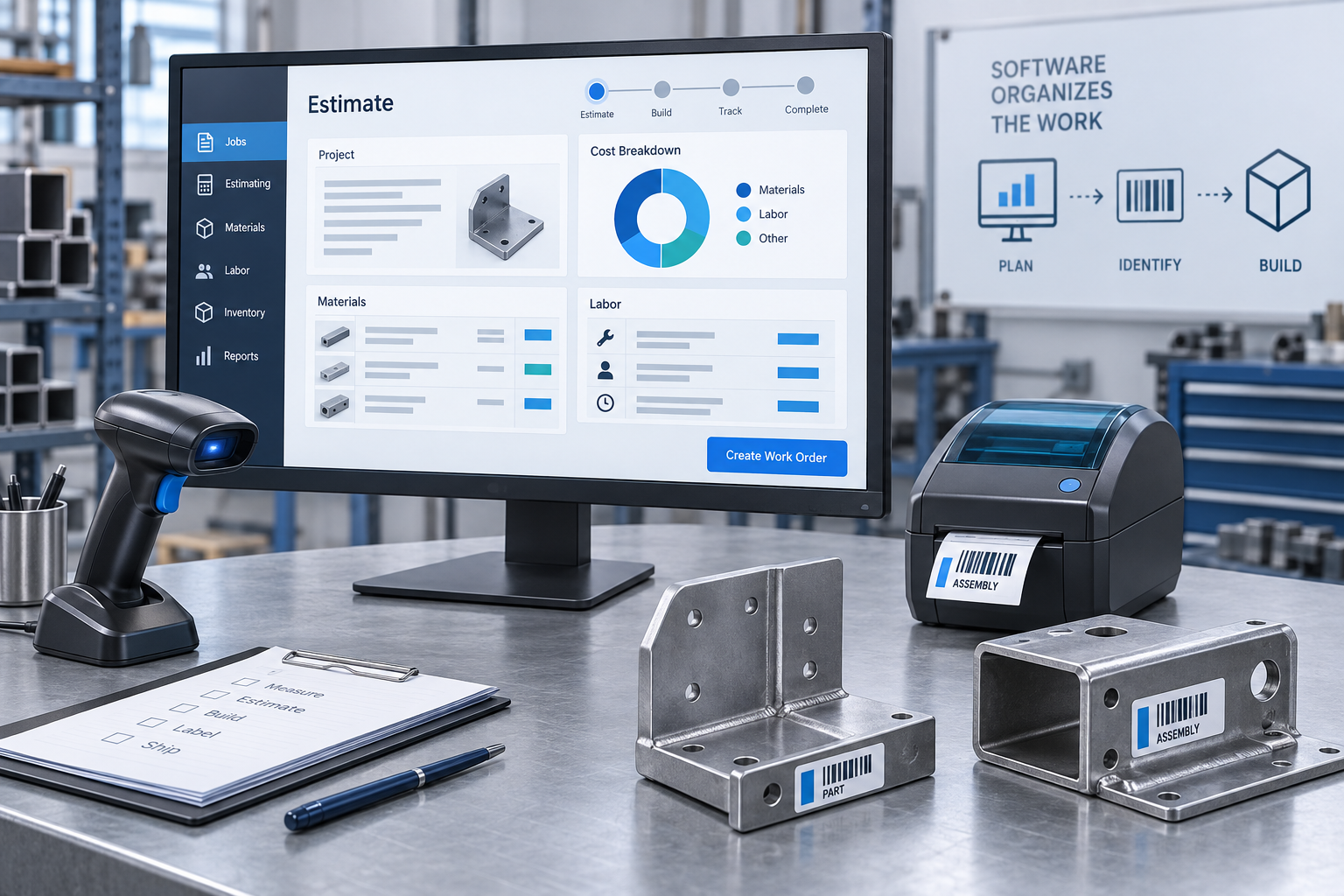
Connect barcode scanners, printers, scales, instruments, and other supported devices through their available drivers, protocols, or vendor SDKs.
Keep appropriate work available when connectivity is limited, with deliberate local storage, synchronization, conflict handling, and access controls.
Validate imports, transform large files, generate documents, and streamline recurring export or reconciliation tasks with progress and exception reporting.
Turn specialized formulas, pricing rules, and configuration choices into repeatable tools with visible assumptions, versioned rules, and reviewable results.
Connect desktop tasks with business databases, APIs, and supported Office workflows to reduce repeated entry and manual handoffs.
Assess existing .NET, WinForms, or WPF applications and plan focused improvements, interface updates, integration changes, or a staged rebuild.
Plan packaging, configuration, updates, diagnostics, and deployment for the workstations and IT policies the application must support.
An example workflow
A fabrication team could combine material selections, labor rules, and overhead in a desktop estimator, then produce a reviewed quote and pass approved work to production.
Select components, quantities, and the applicable pricing rules.
Expose labor, material, and margin assumptions for an informed review.
Generate the quote and production information without re-entering the job.
Built with care
A purpose-built application, verified calculations and integrations, an installation approach, diagnostics, and operating guidance for users and IT.
Account for workstation specifications, peripherals, screen sizes, permissions, and the operator's daily routine before choosing the interface and architecture.
Design long-running work with progress, cancellation, and recoverable failures. Protect transactions and handle disconnections deliberately.
Include useful diagnostics, configuration guidance, version tracking, and an update strategy. Separate business rules from the interface so changes remain testable.
Explore the work
Interactive browser samples with fictional data illustrate workflows and problem-solving approaches. Production platforms and integrations are scoped for your project.
A useful starting point
Bring the current tool or workflow, workstation constraints, connected equipment, sample files, and the rules that must produce consistent results.
Discuss windows application development ↗Opens a draft in your email application.